Table of Contents

Editing Diagram
新建图表
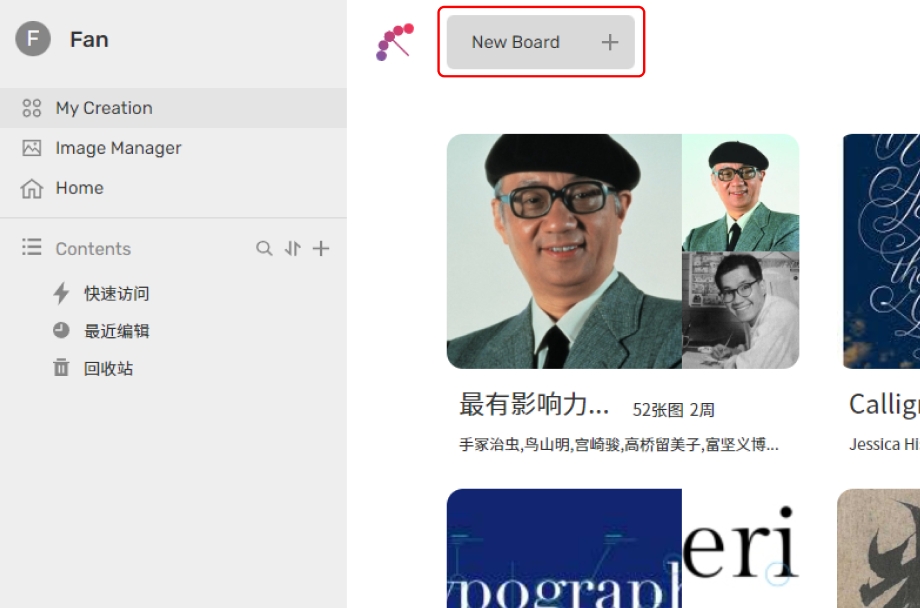
In the my creation page, click on "New Board" at the top of the screen. We immediately entered a newly created board.
编辑图表
In this section, we will explore uploading images, creating nodes, switching modes, and node searching to help you quickly create a visual mind map.
Upload image
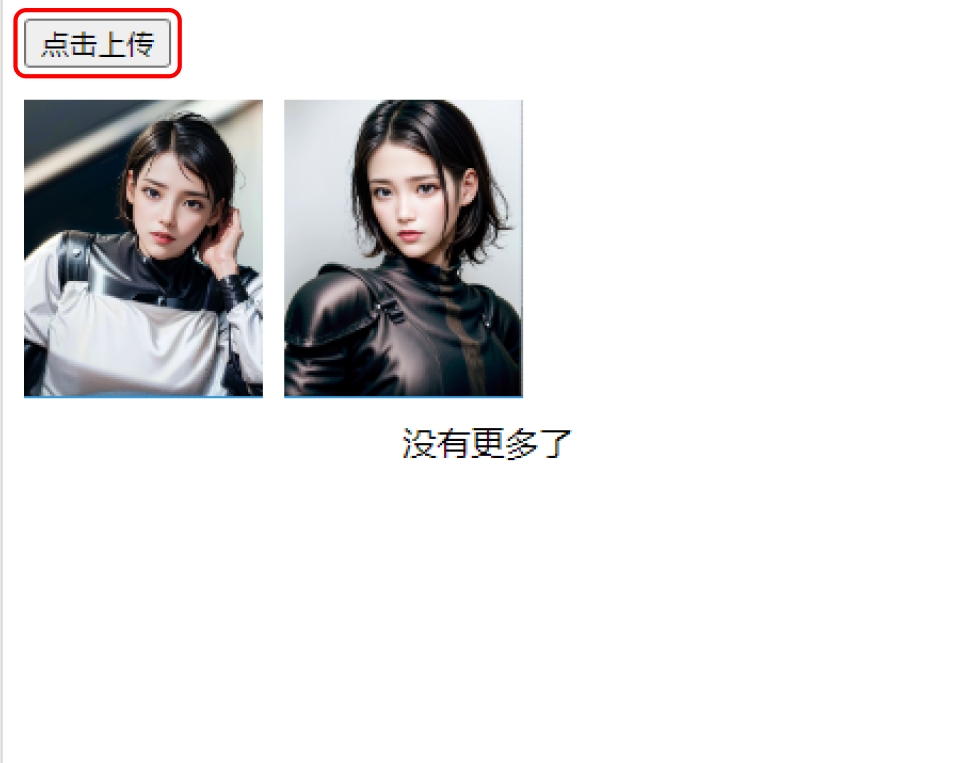
Click on "Upload Image" at the top of the Media Library on the right side. Upload one or multiple images. Once the upload is complete, the images will be displayed in the list.
Create node
Click the plus sign to create a new node.